Description
Our Catch Phish Outlook Plug-In provides two main functionalities: Email Analysis and Security Training. This tool leverages machine learning and artificial intelligence to help users verify the legitimacy of emails and access security training resources directly from their toolbar.
CatchPhish Email Analysis
Email Analysis:
- Purpose: Users can click the "Email Analysis" button in their toolbar to verify the legitimacy of any email in their inbox using machine learning and artificial intelligence.
- Phishing Simulation Emails: If a user clicks the "Email Analysis" button on a phishing simulation email, they will be rewarded with confetti and may receive credit back on their Employee Secure Score (ESS) if they’ve previously failed a phishing simulation.
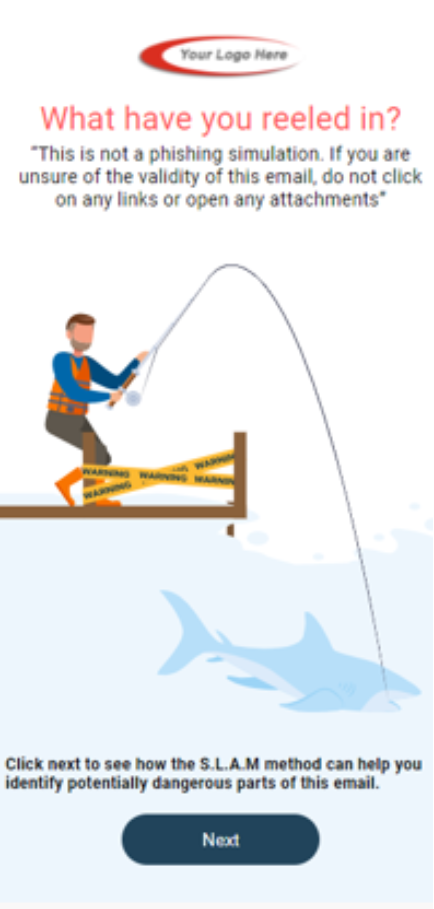
- Non-Simulation Emails: If the email is not a simulation, users will be warned (see screen below). They can then click the "Next" button to analyze flagged elements such as sender details, links, language, and attachments for email validity insights.
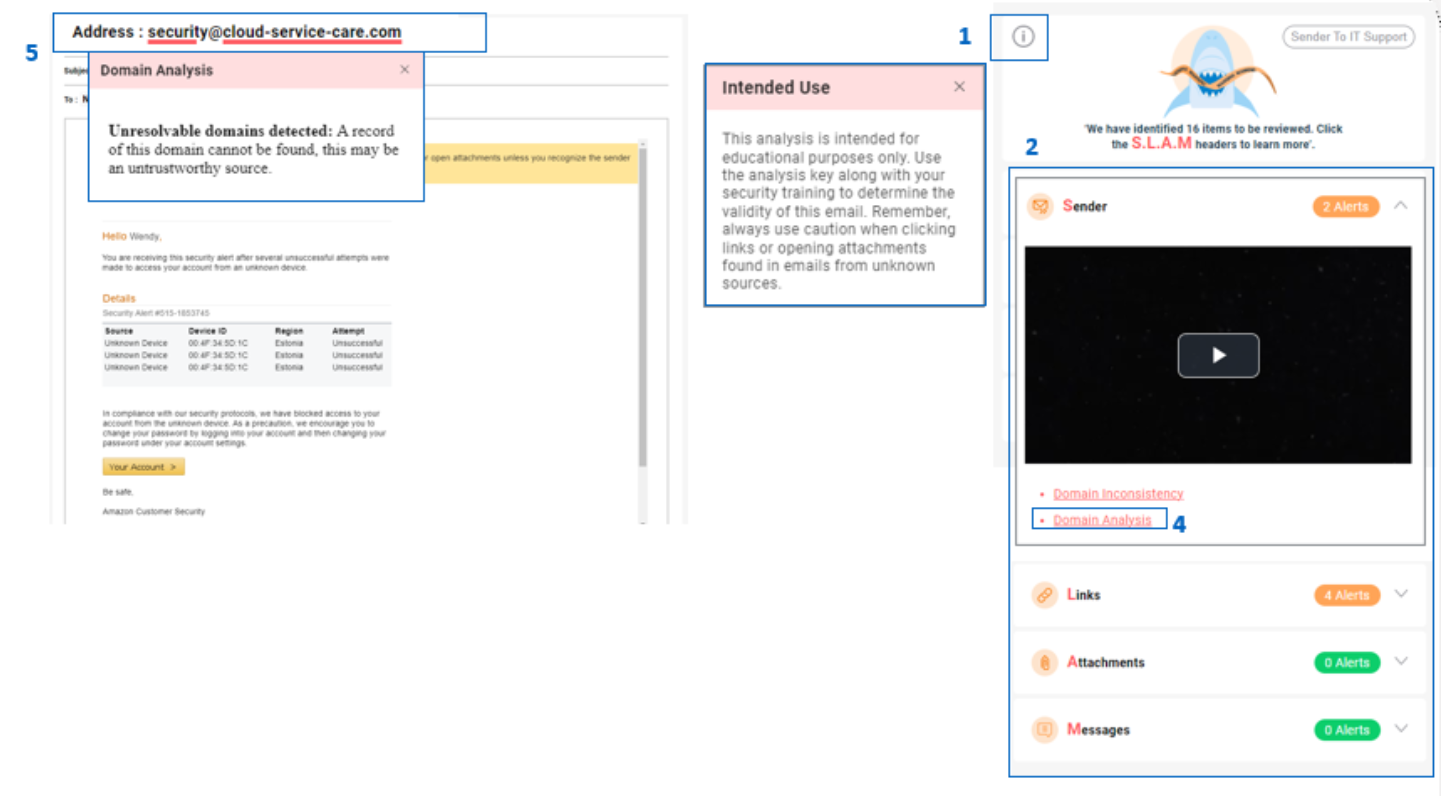
Feature Breakdown of the Catch Phish Outlook Plug-In
Information Icon:
- Provides a disclaimer and helpful hints on how to use the Email Analysis feature.
Initial Analysis Using the SLAM Method:
- Sender
- Links
- Attachments
- Message
Detailed Analysis:
- Expand each section to view flagged elements along with a training video on the topic.
Flagged Elements Identification:
- Clicking on a flagged element will identify where it was discovered in the email.
Detailed Descriptions:
- Hover over the flagged element within the email for a detailed description of the potential issue.
Security Training
Security Training Access:
- Users can access weekly Micro Training videos and quizzes.
- Re-watch previous videos.
- Complete their Annual Training and quiz with a click of the button in their toolbar.
Was this article helpful?
That’s Great!
Thank you for your feedback
Sorry! We couldn't be helpful
Thank you for your feedback
Feedback sent
We appreciate your effort and will try to fix the article